Everything a working kitchen runs on, in one system
Recipes and preps, ingredient prices and suppliers, purchase orders, stock, HACCP, allergens, rotas and waste all read from one live dataset. Type a supplier price once and every plate cost, menu margin and stock value re-calculates itself.
One dataset, not nine spreadsheets
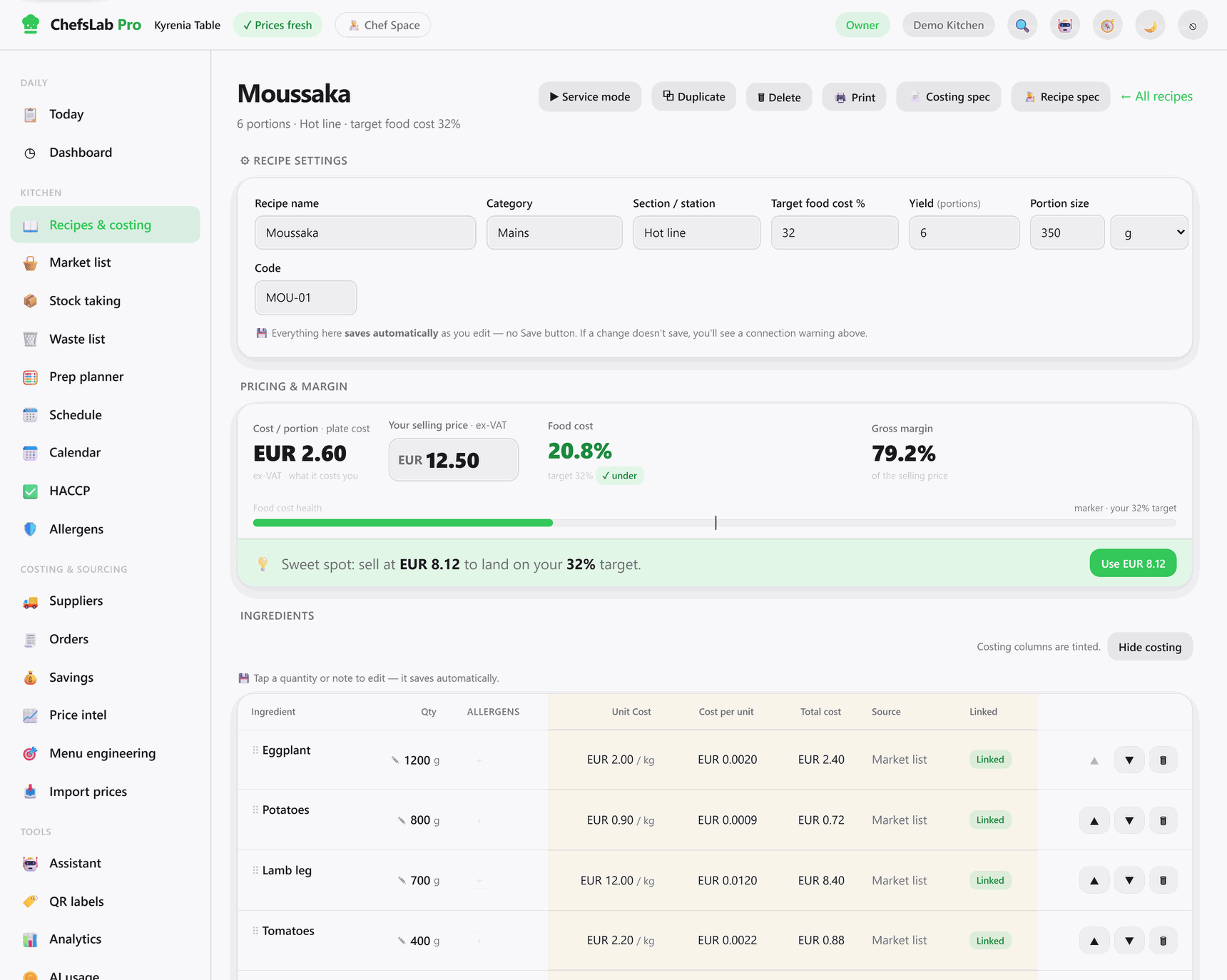
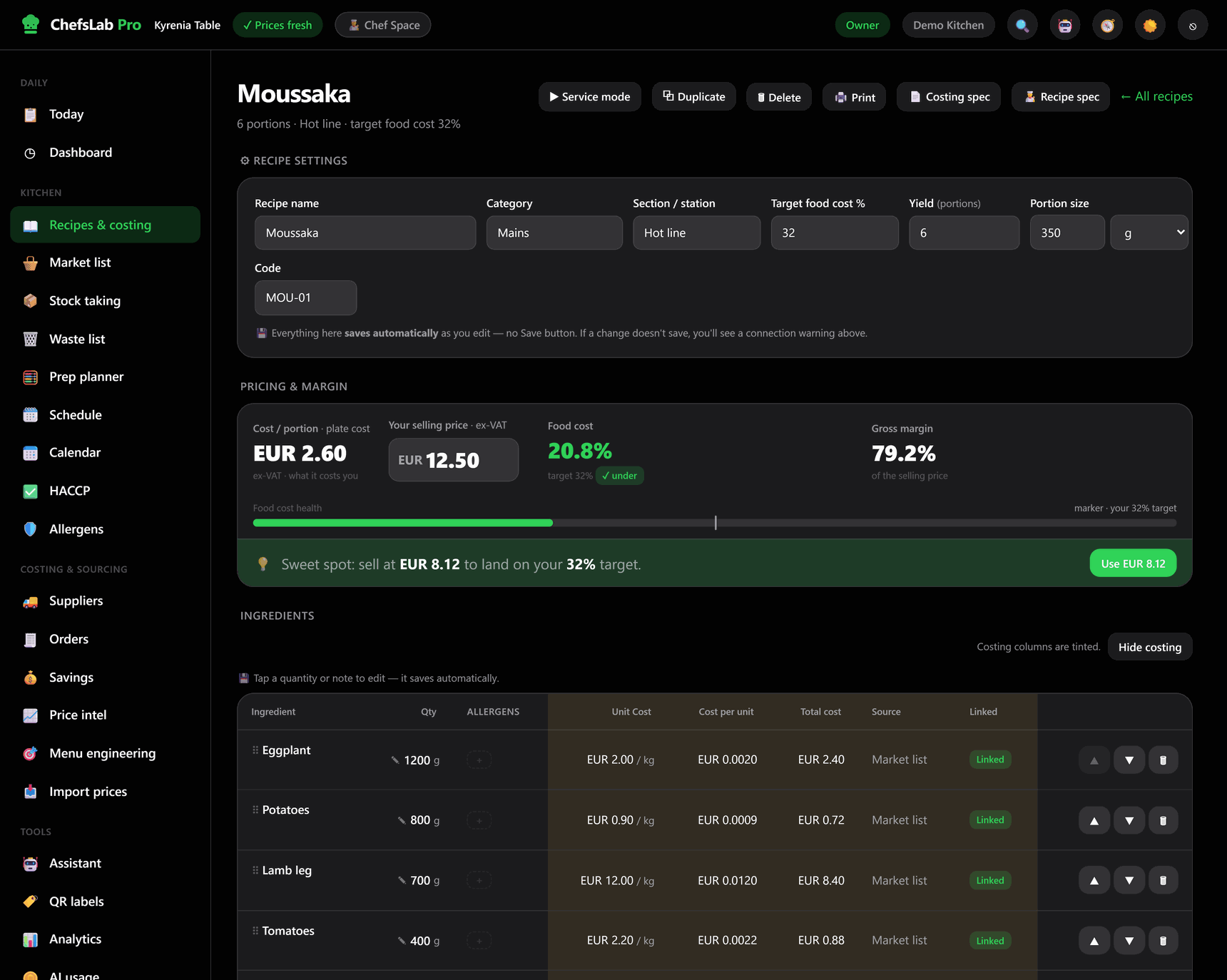
Most kitchen tools make you re-type the same number in five places. ChefsLab Pro stores it once and recalculates everything downstream the moment it changes.
-
A price arrives
Type it on the market list, import an Excel/CSV price file, or let the invoice importer read it off a supplier invoice and show you the deltas before you apply them.
-
Every recipe re-costs
Each dish and prep that uses the ingredient re-costs to the cent. Sub-recipes are prorated by yield, not portions — the mistake that quietly wrecks most spreadsheets.
-
Margins react
Food-cost % and gross profit per portion update on every dish. Anything now above your target food cost flags itself, and menu engineering re-sorts what to push or cut.
-
So does everything else
Stock value, order sheets, prep lists, waste cost and the analytics dashboard all read the same numbers — so they are never a week out of date.
Nothing here is a nightly job or a re-import. One number, entered once, reaches every screen that depends on it.
Five screens that carry the kitchen
Real screens from a ChefsLab Pro kitchen — a demo tenant seeded with Cypriot ingredients and three fully costed dishes.
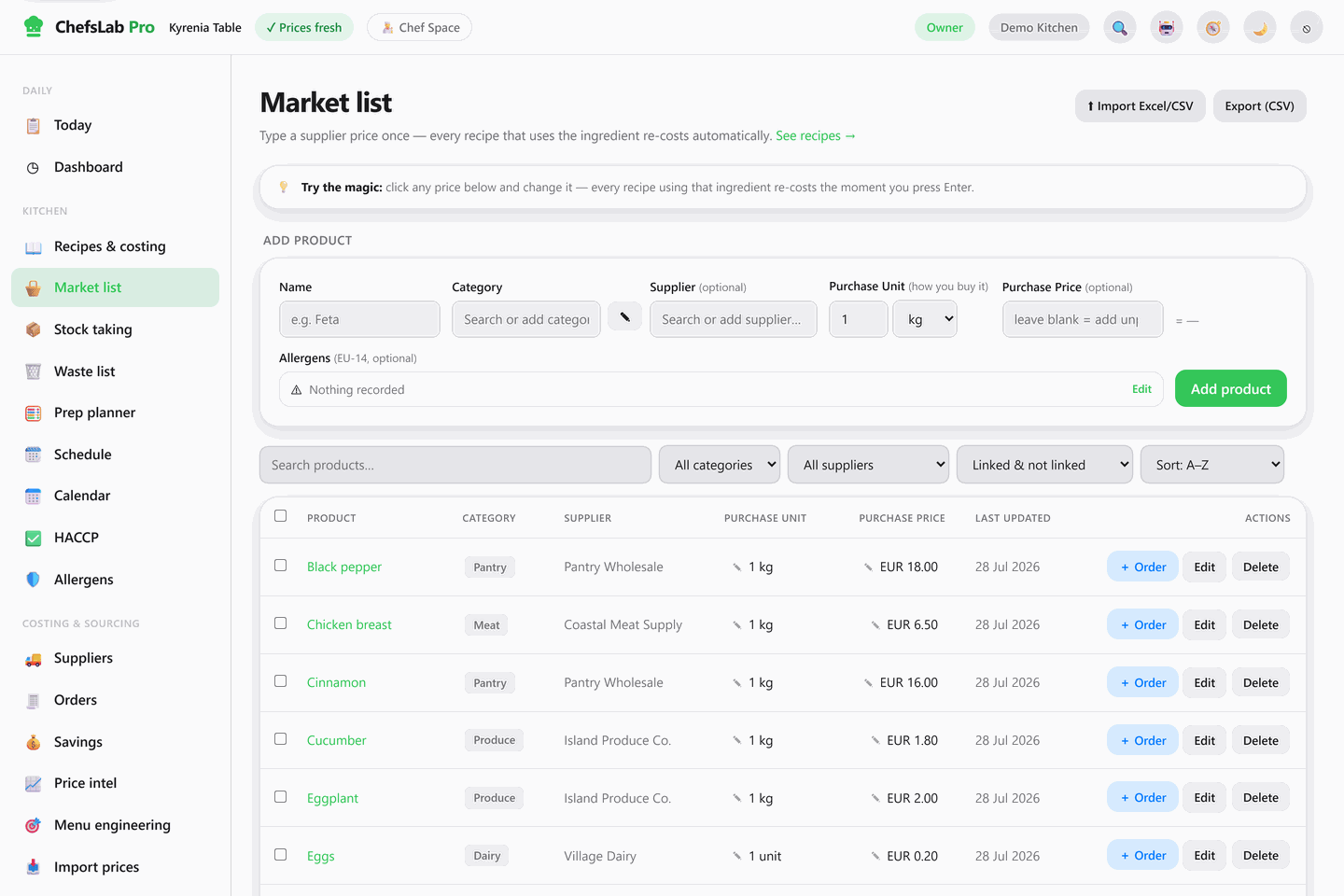
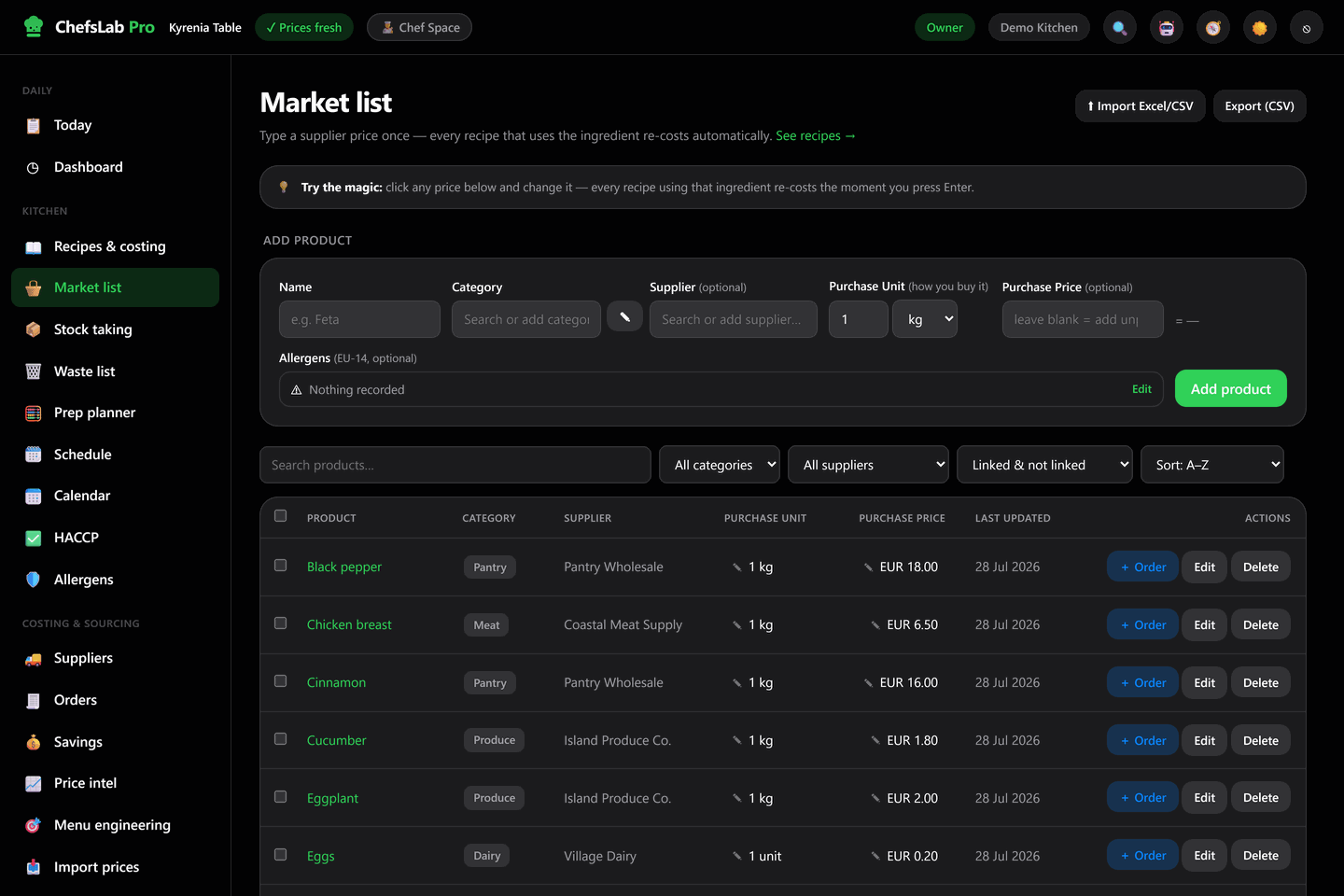
The market list is where the money starts
Every product you buy, with the unit you buy it in, who you buy it from and what you last paid. It is the single source of truth the entire cost engine reads from.
- Purchase units, handled. Buy in cases and kilos, cook in grams and millilitres — the conversion is the system's problem, not yours.
- Supplier prices per product. Keep several suppliers on one ingredient and mark which one is primary; the primary price drives the cost.
- Bulk in, bulk out. Import a price list from Excel or CSV, export the whole book, or push selected lines straight onto a purchase order.
A matrix you can hand to an inspector
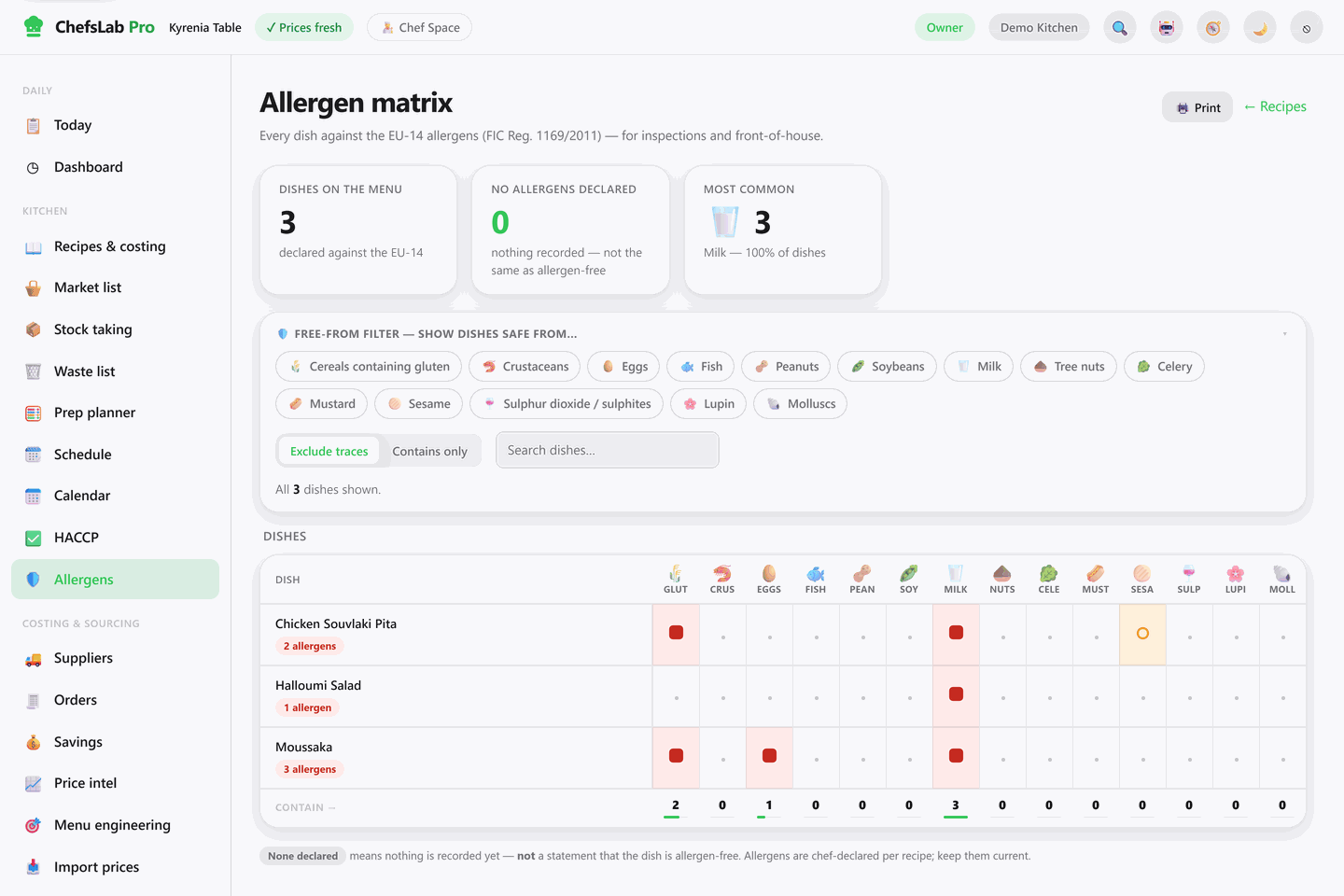
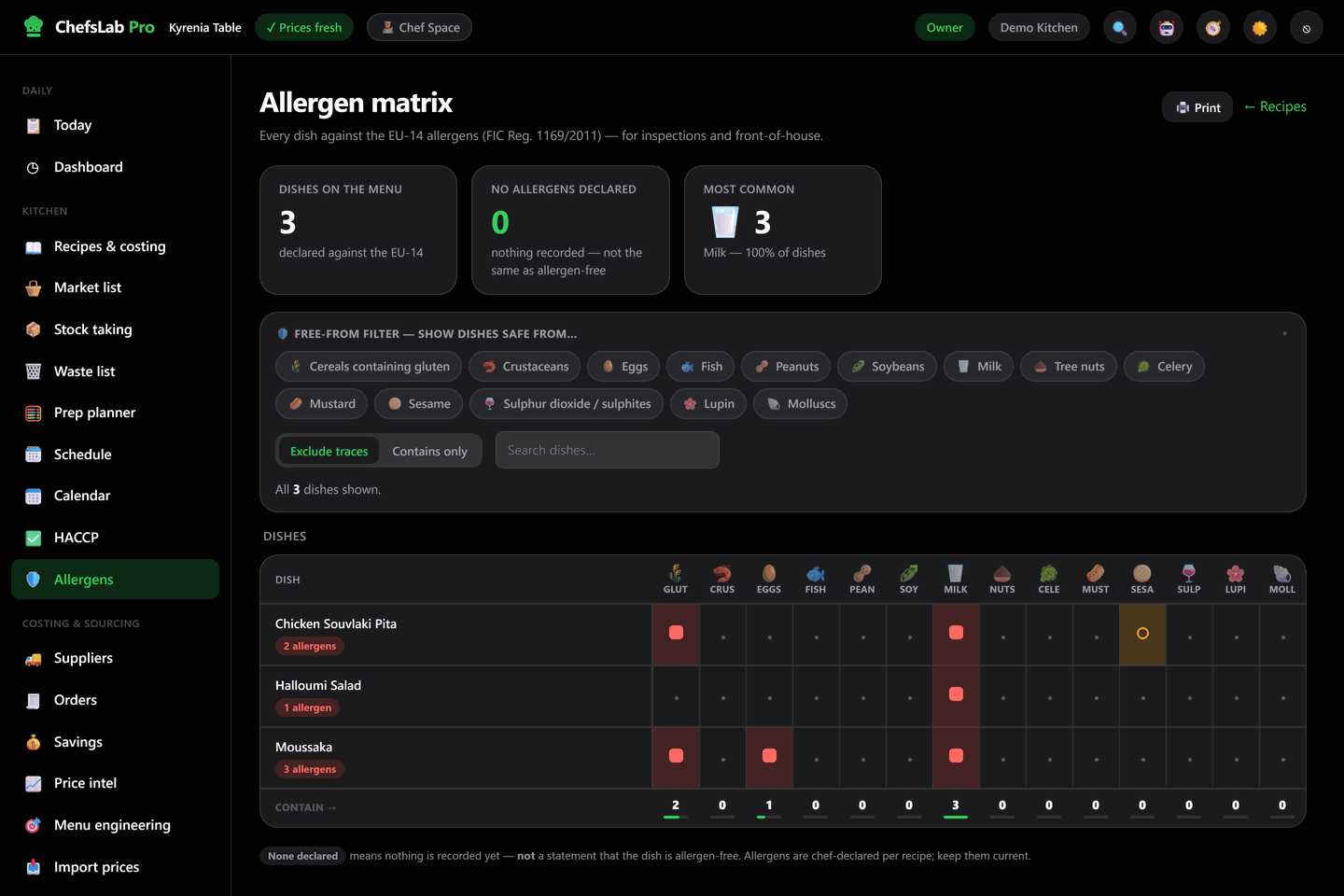
Allergens are declared per recipe, then rolled up into one grid of every dish against the EU-14 — with contains and may contain kept deliberately distinct.
- Front-of-house answers in seconds. The free-from filter shows only the dishes safe for a given allergen, with traces included or excluded.
- Never silently "allergen-free". A dish with nothing recorded is labelled none declared, not safe — honesty is the whole point of the screen.
- Print it, or scan it. Printable matrix and labels, plus a QR code per dish so anyone on the line can pull up method, allergens and plating on a phone.
Your own price history, turned into a trend
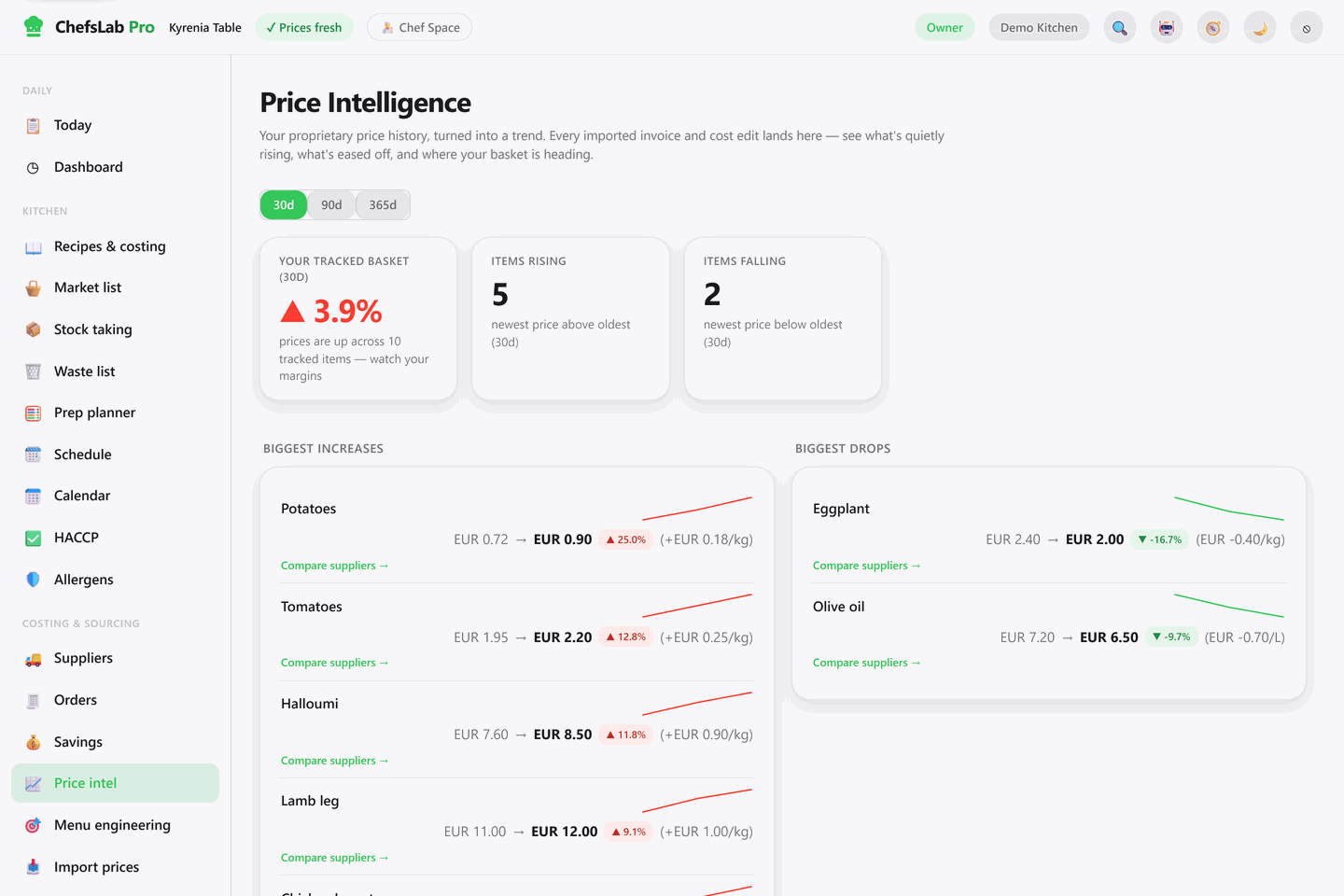
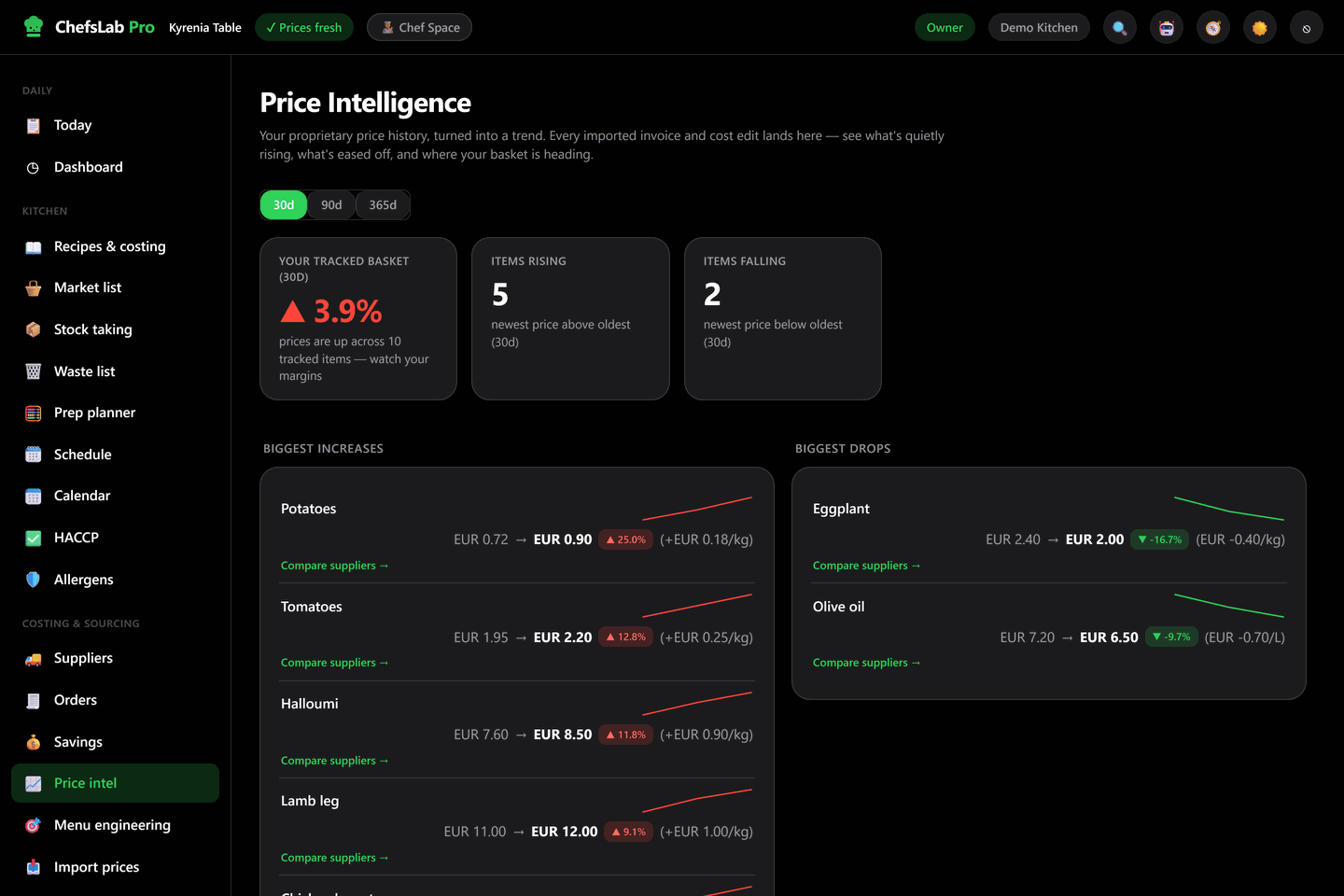
Every price you type and every invoice you import is kept as a dated point. Over a few weeks that becomes something no spreadsheet gives you: proof of what is quietly moving.
- Biggest movers, both ways. What went up, what came down, by how much per kilo or litre, over 30, 90 or 365 days.
- A basket number. One figure for where your tracked ingredients are heading — the early warning your margins need.
- Compare suppliers. Jump from any mover to the suppliers quoting that product and what each one charges.
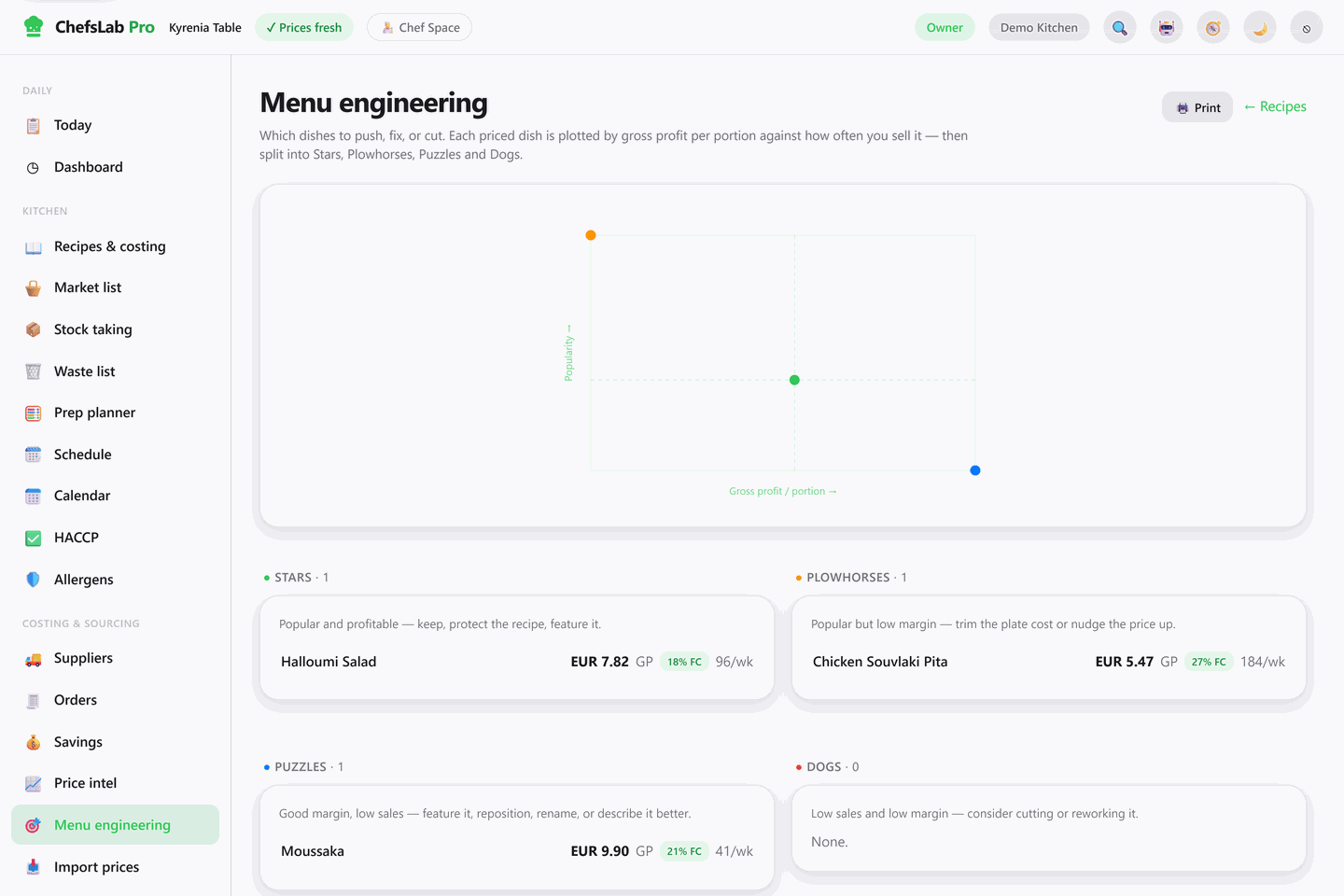
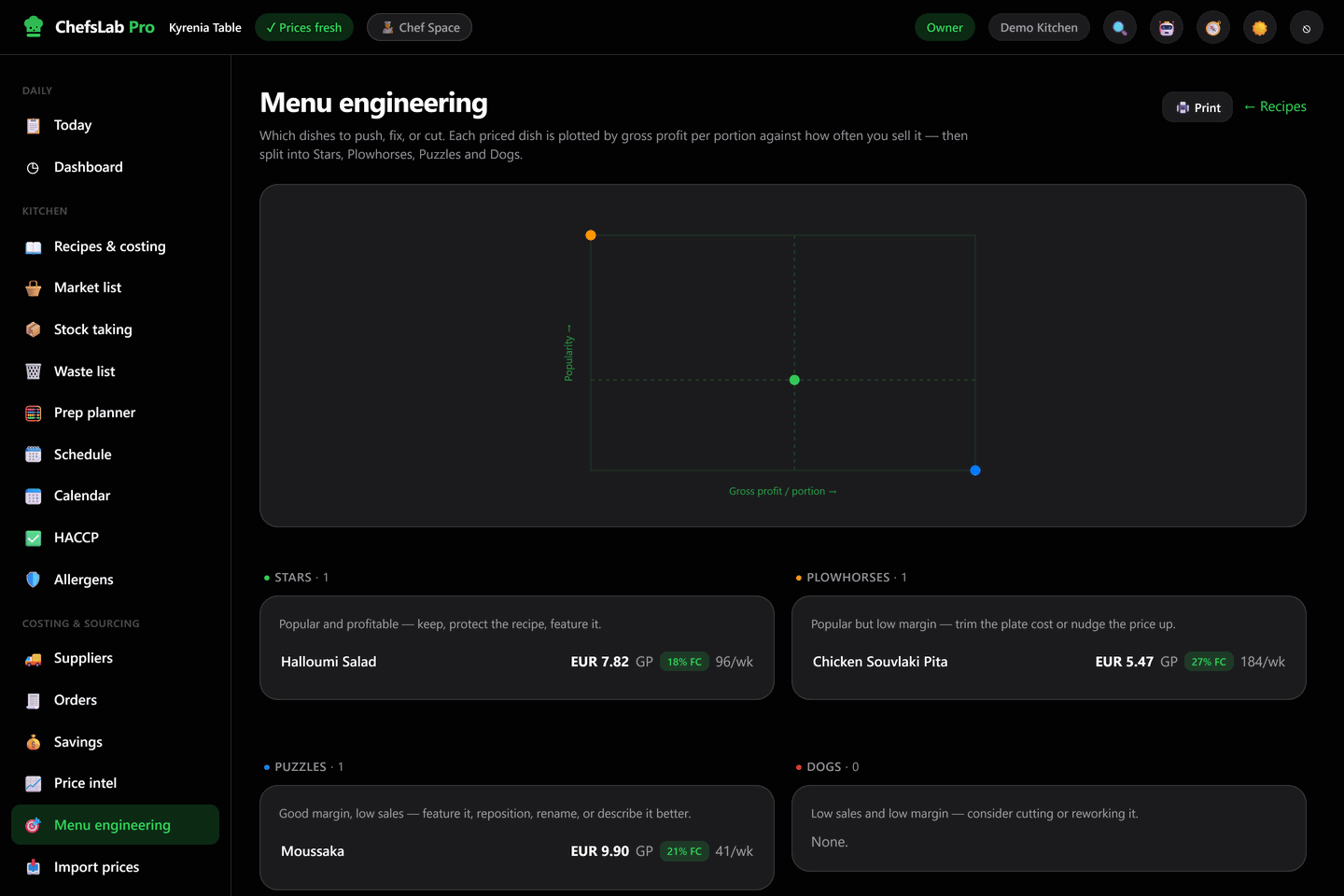
Which dishes to push, fix or cut
Plot gross profit per portion against how often a dish actually sells, and the menu sorts itself into the four classic quadrants — with the advice for each spelled out.
- Stars and Plowhorses. What earns and sells, and what sells hard on a margin too thin to be worth the section it occupies.
- Puzzles and Dogs. The great-margin dish nobody orders, and the one doing neither — named, with what to do about it.
- No POS required. Type portions per week per dish; the margin axis is already exact because it comes from your live costs.
Records that are already audit-ready
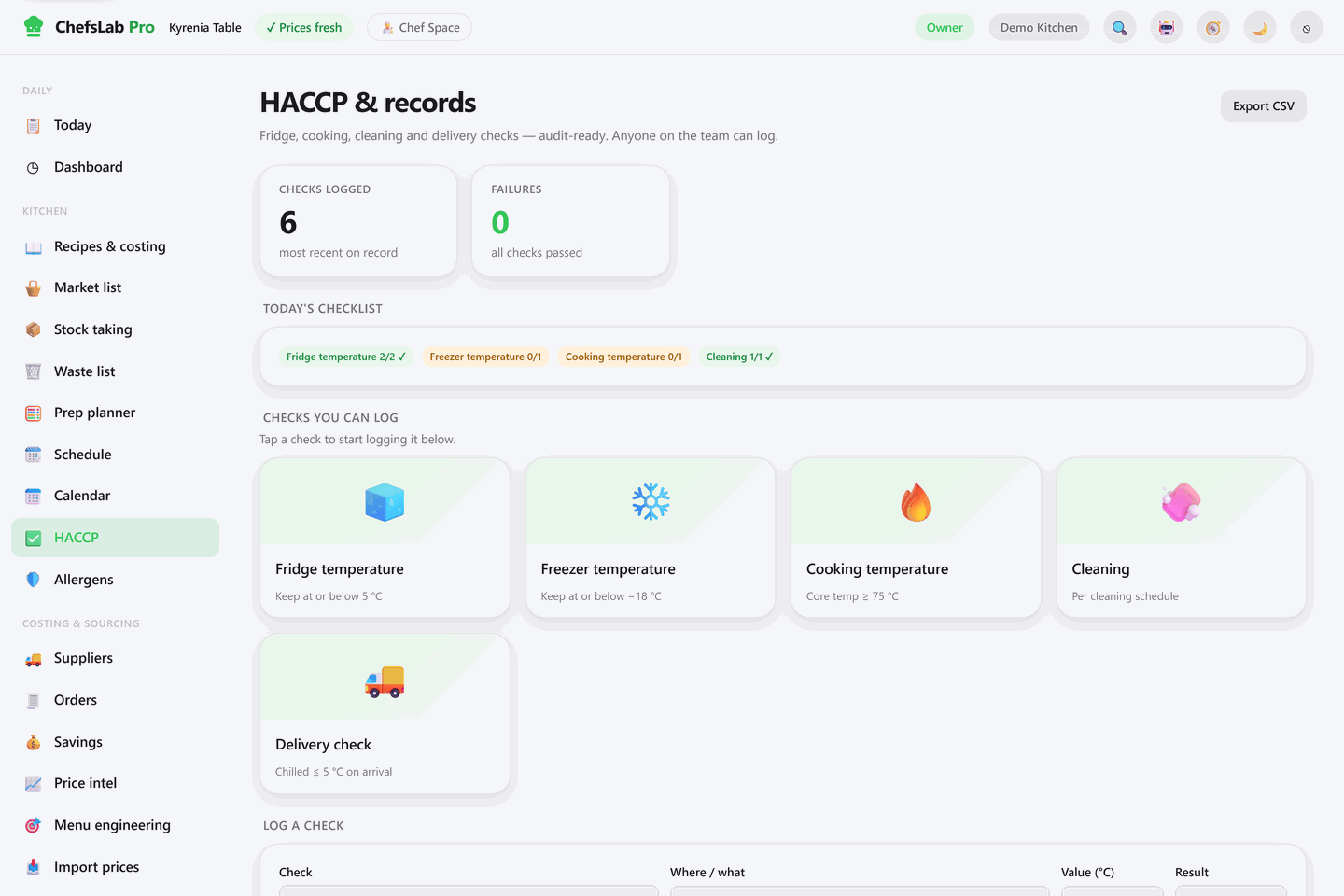
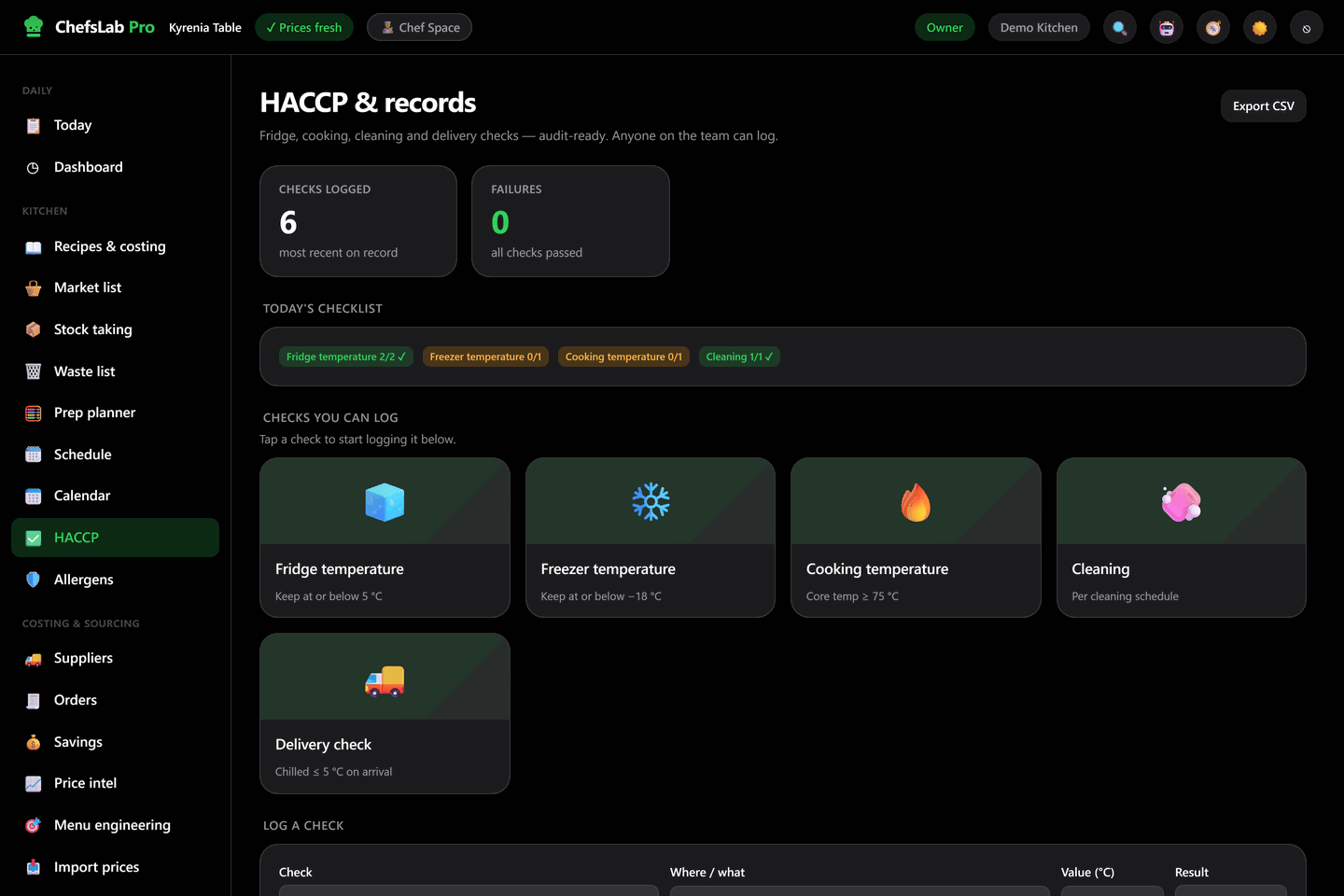
Fridge, freezer, cooking, cleaning and delivery checks logged from any phone on the pass, by anyone on the team — cooks included.
- The limit does the judging. Type the reading and the check is passed or failed against the legal threshold — 5 °C chilled, −18 °C frozen, 75 °C core — not against someone's memory.
- Today's checklist, visible. What still has to be logged before close, and how much of it is done.
- Export in two clicks. The whole log leaves as a CSV when the inspector asks for it — no folder of paper to reconstruct.
What's inside, in full
Every plan includes all of it. Start wherever it hurts most — usually costing — and grow into the rest at your own pace.
Recipes & preps
Standardise every dish and sub-recipe: method steps, yields, portion sizes, versions, and a printable spec sheet for the section.
Food costing
True plate cost to the cent. Sub-recipes prorated by yield, VAT handled, and every dish over its target food cost flagged automatically.
Market list
Every product you buy with its purchase unit, supplier and price. Import from Excel or CSV; edit one price and the book re-costs.
Suppliers & orders
Supplier records, pack prices per product, and purchase orders built from the market list — printable as a proper order sheet.
Price intelligence
Your own price ledger as a trend: biggest risers and fallers, basket movement over 30/90/365 days, supplier comparison.
Invoice & price import
Read prices off a supplier invoice or a price file, preview every delta before it lands, apply — and undo the whole batch if it was wrong.
Stock taking
Count fast, value instantly. Stock — including preps — is priced from the same live costs as your recipes. Never enter a number twice.
HACCP & records
Fridge, freezer, cooking, cleaning and delivery checks, auto-judged against the legal limit, exported as CSV when the inspector calls.
Allergens & QR labels
Every dish against the EU-14, a free-from filter for front-of-house, printable labels, and a scannable dish page for the line.
Menu engineering
Stars, Plowhorses, Puzzles and Dogs — gross profit per portion against how often it sells, so pricing decisions stop being a guess.
Prep planner
Enter the portions you're making and get a mise-en-place board grouped by station, plus a costed ingredient order sheet for the day.
Schedule & payroll
Build the rota, see labour hours and cost before the week starts, export clean timesheets. Statutory deductions stay with your accountant.
Waste tracking
Log what got binned and what it cost, with an advisor that reads the pattern and suggests where the leak actually is.
Events & catering
Build an event menu against a guest list, check it against the guests' declared allergens, and print a kitchen sheet and a client menu.
Multi-site & roles
Several kitchens under one login, each with its own recipes, staff, currency and tax. Owner, admin, accountant, chef, cook and stock roles.
AI assistant
Ask your kitchen a question in plain language — what's over target, what changed, what's stale — inside a monthly allowance you can see.
Built on the line, not in a boardroom.
Generic restaurant software is built by people who have never worked a Saturday service. ChefsLab Pro is shaped by chefs who have — every screen is designed for speed at the pass, in the language a kitchen actually uses.
Start free with full access. Bring your own recipes, or open the live demo and poke at a kitchen that is already seeded. No setup call, no sales pitch.
“We built the tool we always wished we had on the line — one place where the numbers are right, the paperwork is done, and you can get back to cooking.”
Priced per chef, not per restaurant
Every plan includes the complete platform — nothing is locked behind a higher tier. You pay for the active sites you run plus a monthly AI allowance. Archived sites stay readable for history and never count toward your limit.
- The complete platform
- Tutorials & demo projects
- Upgrade any time after
- Everything ChefsLab offers
- Chef Space + personal portfolio
- Add active sites as you grow
- Everything, across 5 sites
- Cross-site Chef Space & copy
- Bigger monthly AI allowance
- Everything, across 20 sites
- Archive churned clients free
- Lowest per-site rate
Questions, answered
Do I need to install anything?
Will it really re-cost my recipes when prices change?
Can I get my existing data in?
What happens after the free trial?
Can it handle several restaurants?
Does it calculate payroll taxes?
Is my data safe and private?
A global market, one connected system.
ChefsLab Pro turns the chaos of kitchen admin into one connected system — built for chefs across the USA, Europe, the UK and beyond, on a single platform.
Independent kitchens everywhere run on spreadsheets and paper. Most don't know their true plate cost, and food-safety paperwork is a scramble at audit time.
One jurisdiction-aware platform — nutrition labels, allergen schemes, units and tax adapt to each market (US FDA, EU/UK FIC and more), so the same product serves chefs worldwide.
One connected dataset means high switching cost, deep built-by-chefs trust, and a proprietary price ledger that deepens with every invoice imported.
Per-active-site SaaS — pay for the sites you run plus an AI allowance, every feature included. Land on costing, expand into the whole platform; predictable, recurring, usage-aligned revenue.
Cook more. Count less.
See your real food cost in minutes. Start free, explore the live demo, and decide for yourself.